Confirm your load
Open the permit and check its height, width, length and weight. Honk uses those values when planning the connection to your permit route.
Start from your current position
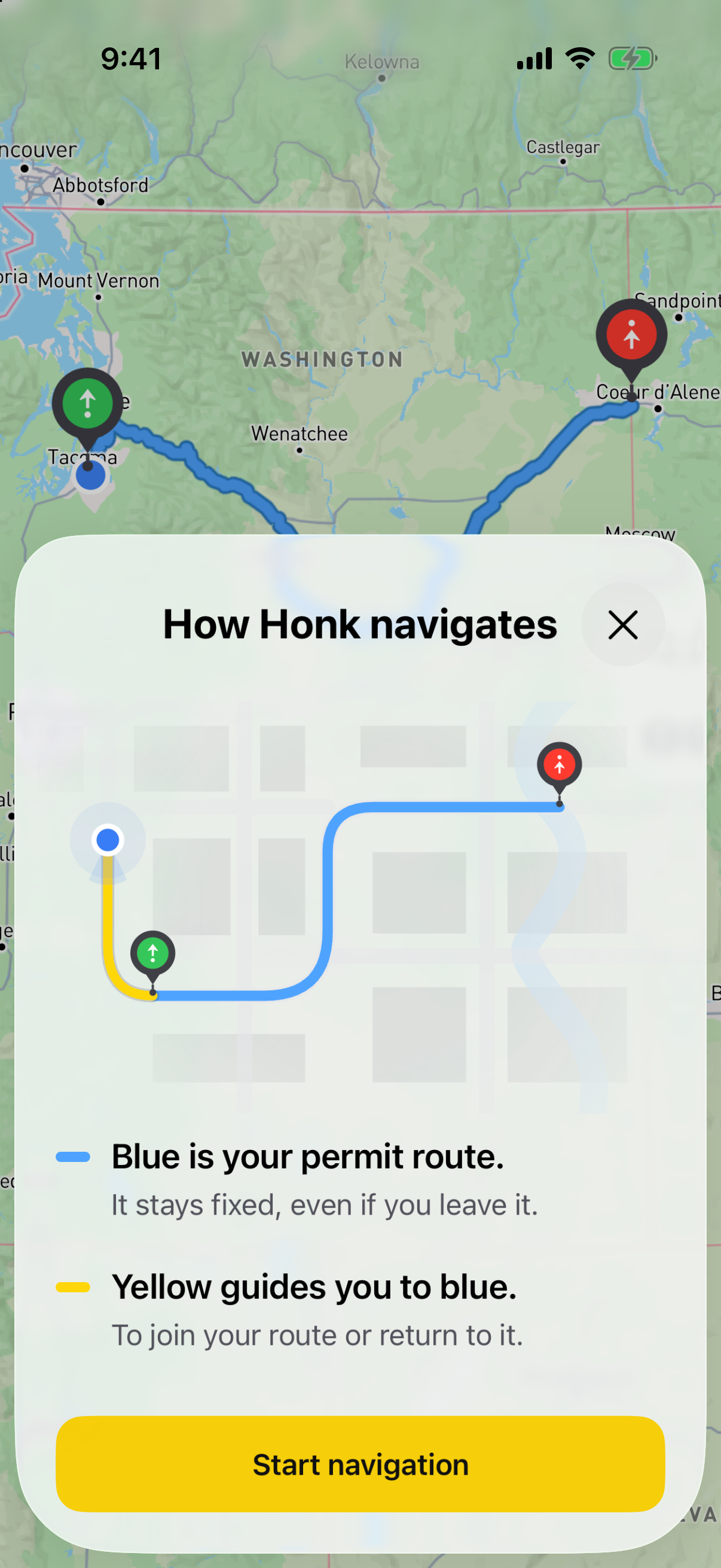
Tap Start Navigation and allow location access. Honk looks for a connection to your permit route using available road restrictions and bridge and tunnel clearance data.
Follow yellow to blue
The yellow line leads to your blue permit route. When you join it, guidance continues along the permit’s prescribed roads.
Planned for your load
The connection favors major roads and avoids known restrictions the load exceeds. It also considers your direction of travel so you can join the route facing the right way.
A connection, clearly marked
Yellow connecting directions are separate from the route authorized by your permit. Check that the connection is allowed for your move. Missing data is not a clearance confirmation.