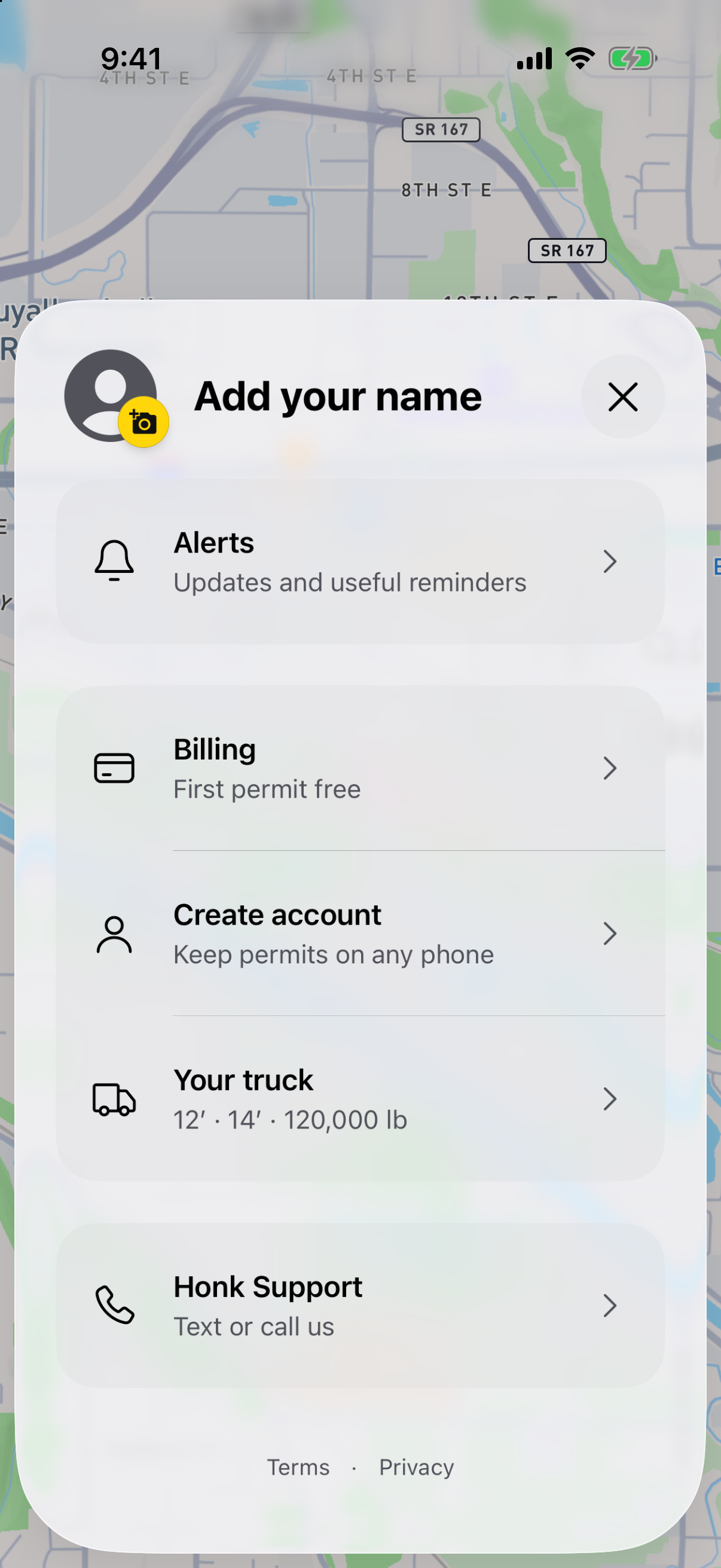
Open Billing
From Your permits, open the account menu, then Billing. You can see your remaining permit scans and the plans available to you.
Choose what fits your work
Pick a one-time permit pack or the annual Unlimited plan. Packs never expire. The purchase screen shows the current store price and renewal terms before you confirm.
Confirm, then add your next permit
Complete the purchase through the App Store or Google Play. Honk confirms when your scans or Unlimited access have been added.
Already have Unlimited?
Use Restore on the purchase screen with the store account that bought the plan. Use the same Honk account to keep your saved permits and access together.
Manage your plan
Open Billing to see your access and manage an active subscription. The store handles subscription cancellation. A permit pack is a one-time purchase.