
Tap Directions
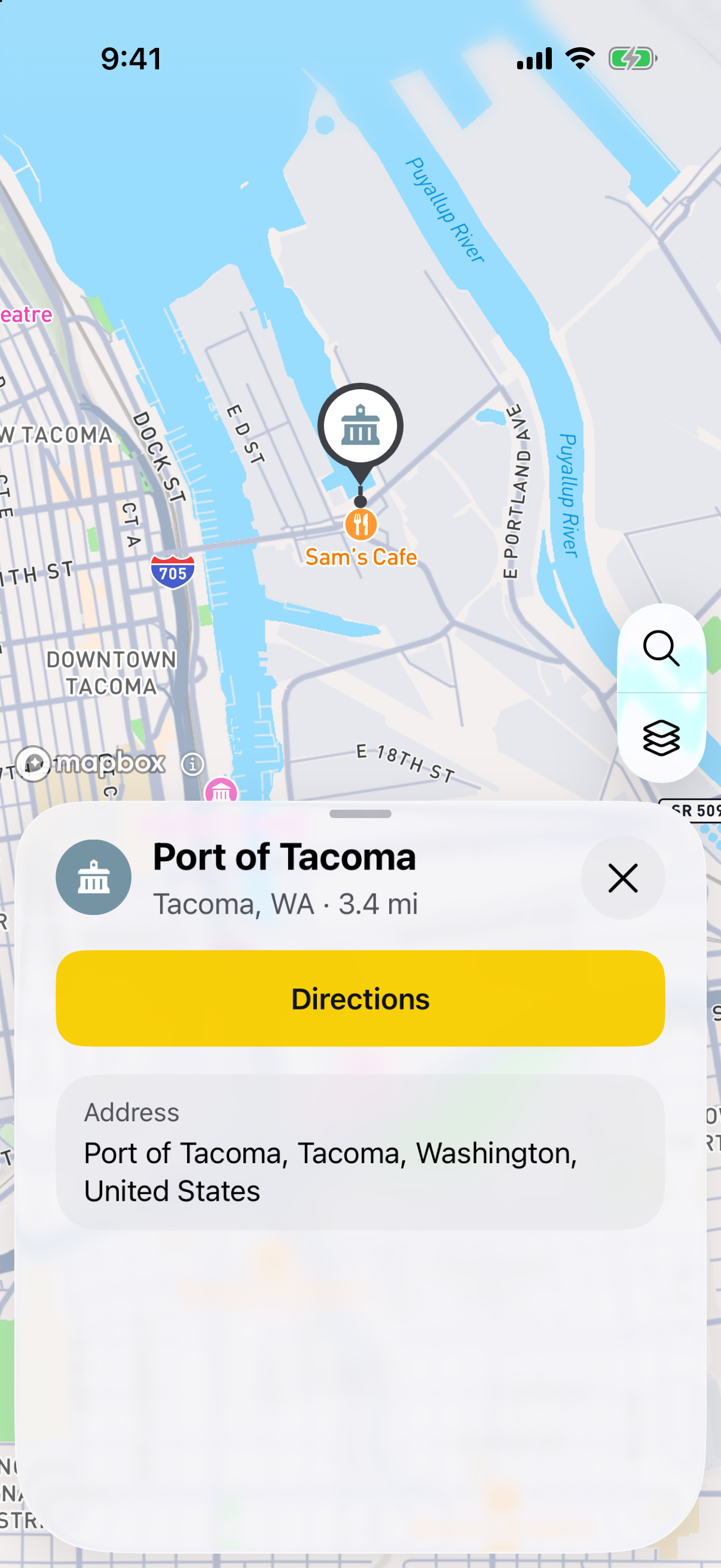
Find a place and tap Directions. Honk starts from your location. Tap the arrows to swap your start and end.
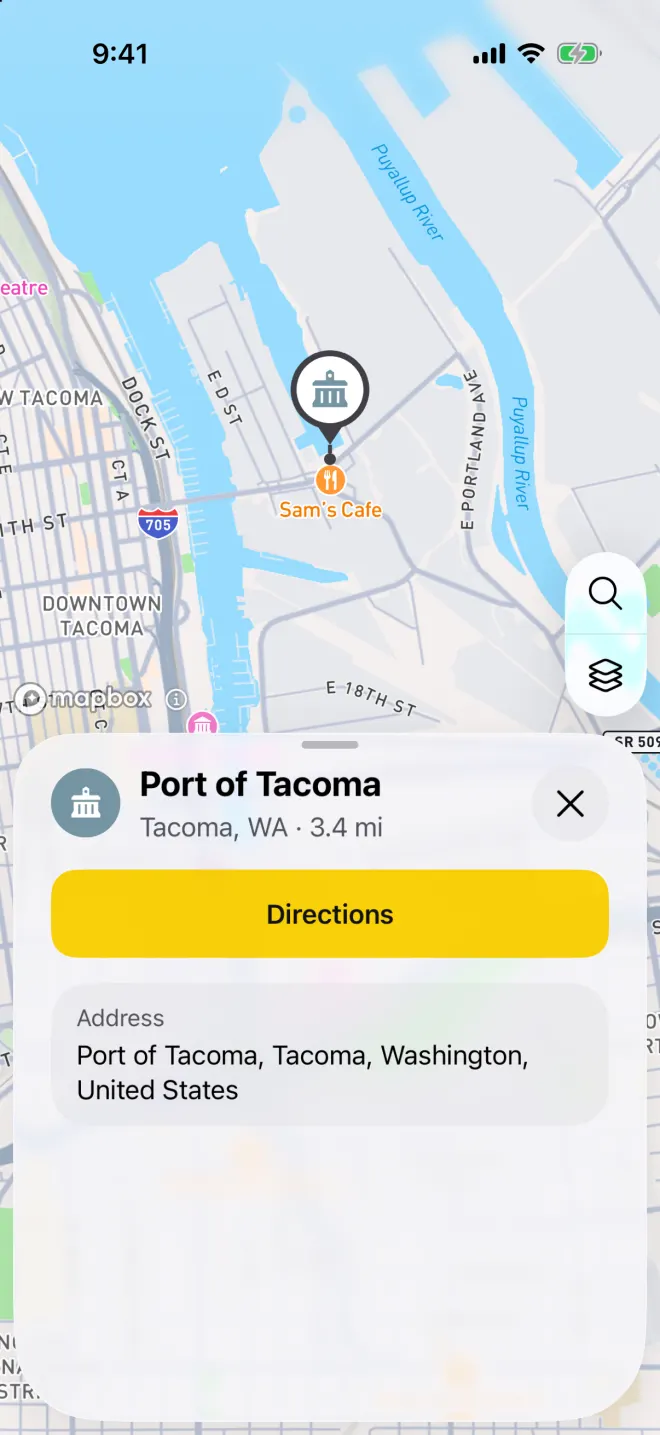
Tap a place to see its details and get directions. Choose your way
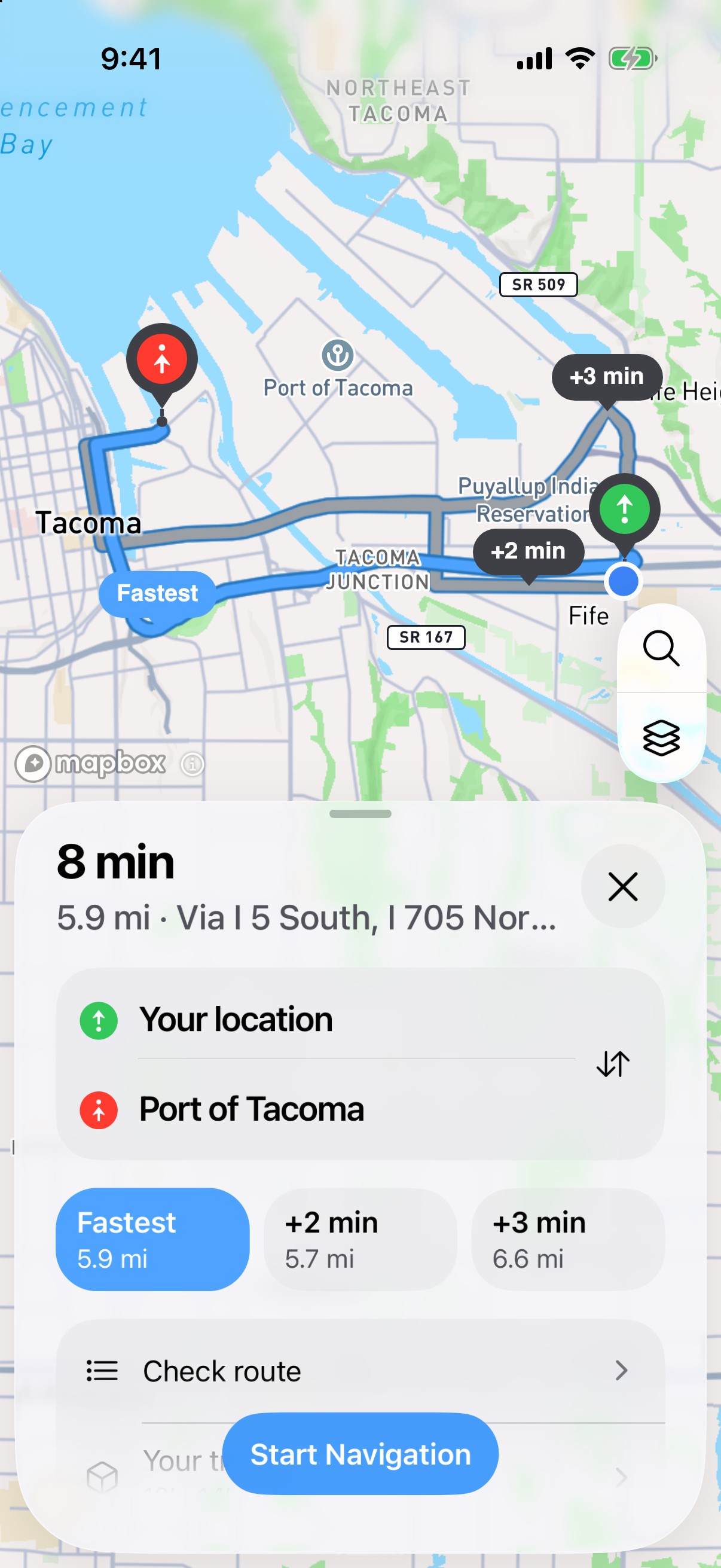
You may see up to three choices. The fastest is marked Fastest. The others show the extra time, like +2 min. Each one is drawn on the map.
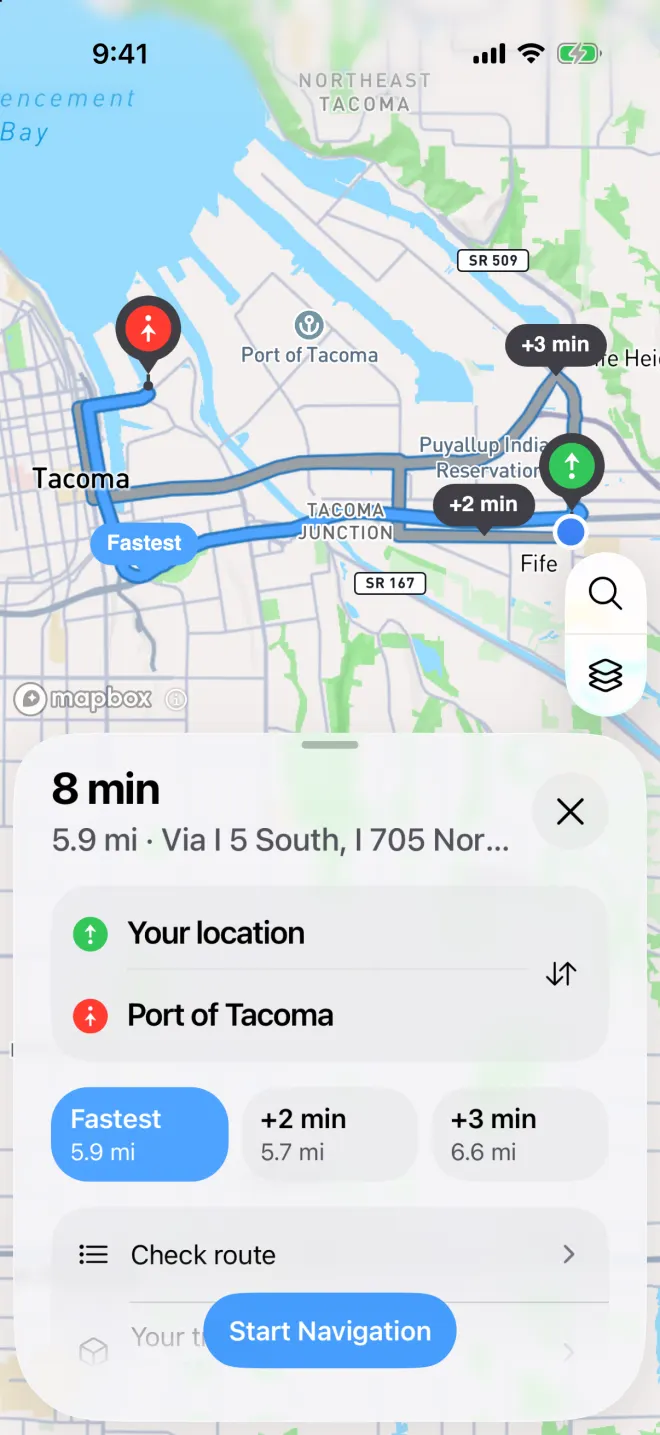
Up to three ways to a place, drawn on the map with the extra time each one takes. Set your truck’s size
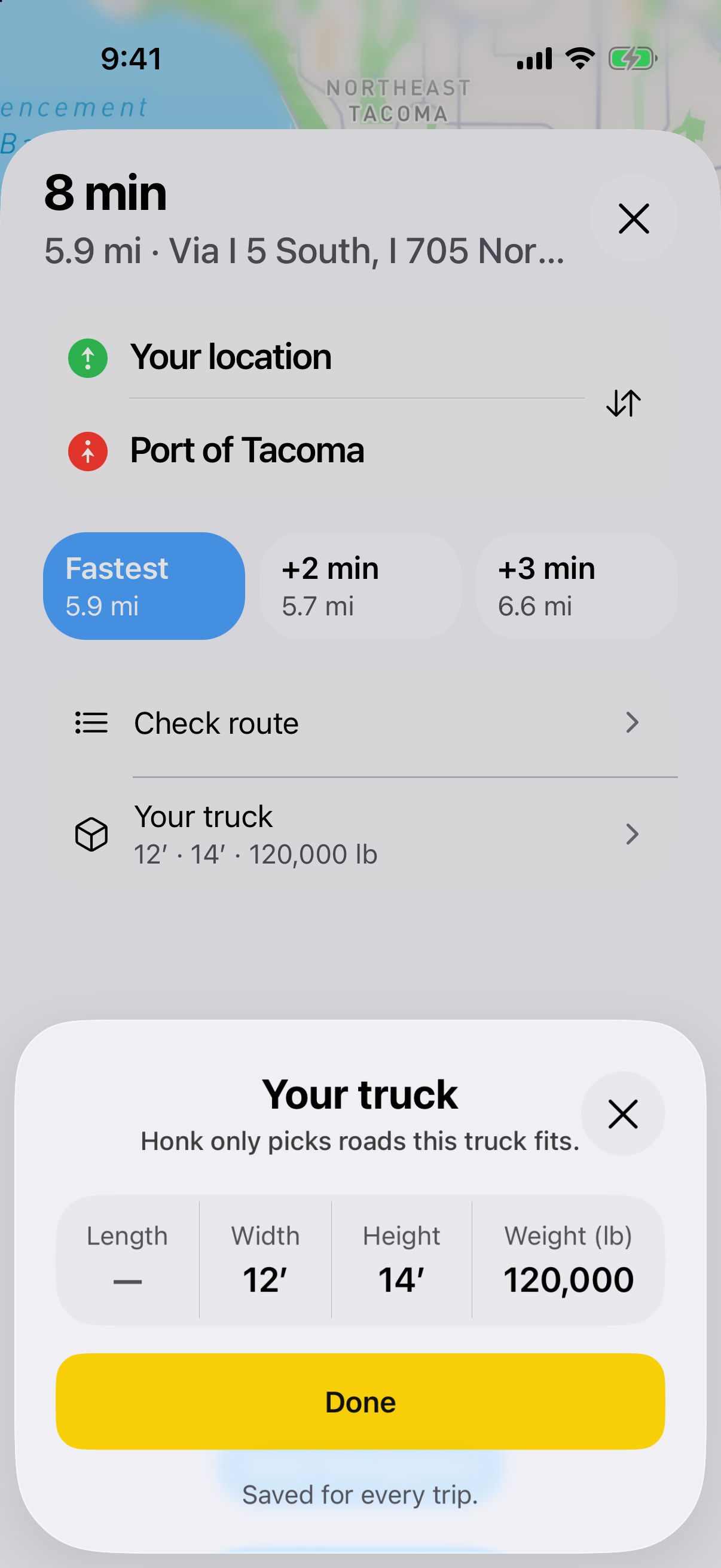
Tap Your truck and enter its length, width, height and weight. Tap Done. Honk saves it for every trip.
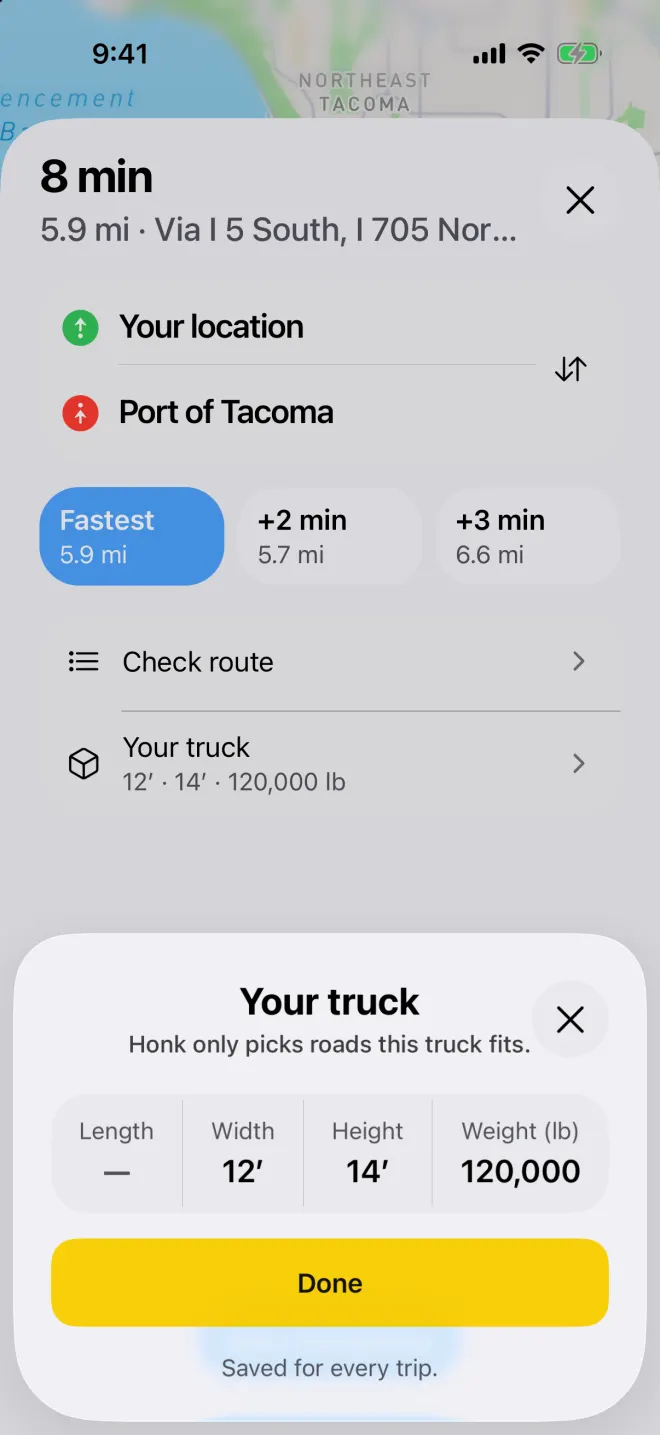
Set your truck's size once and Honk uses it for every trip. Tap Start Navigation
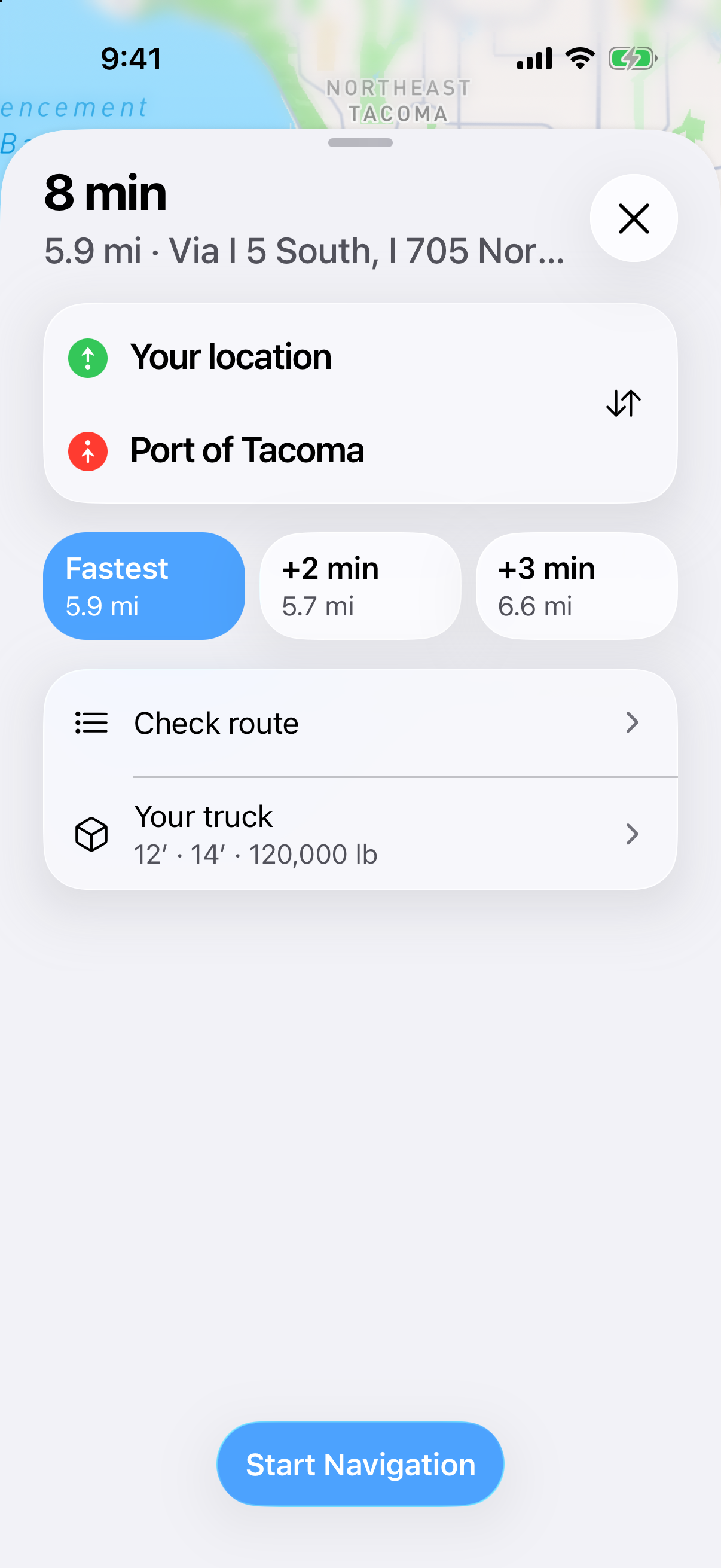
Tap Check route first if you want to see the turns. Then tap Start Navigation.
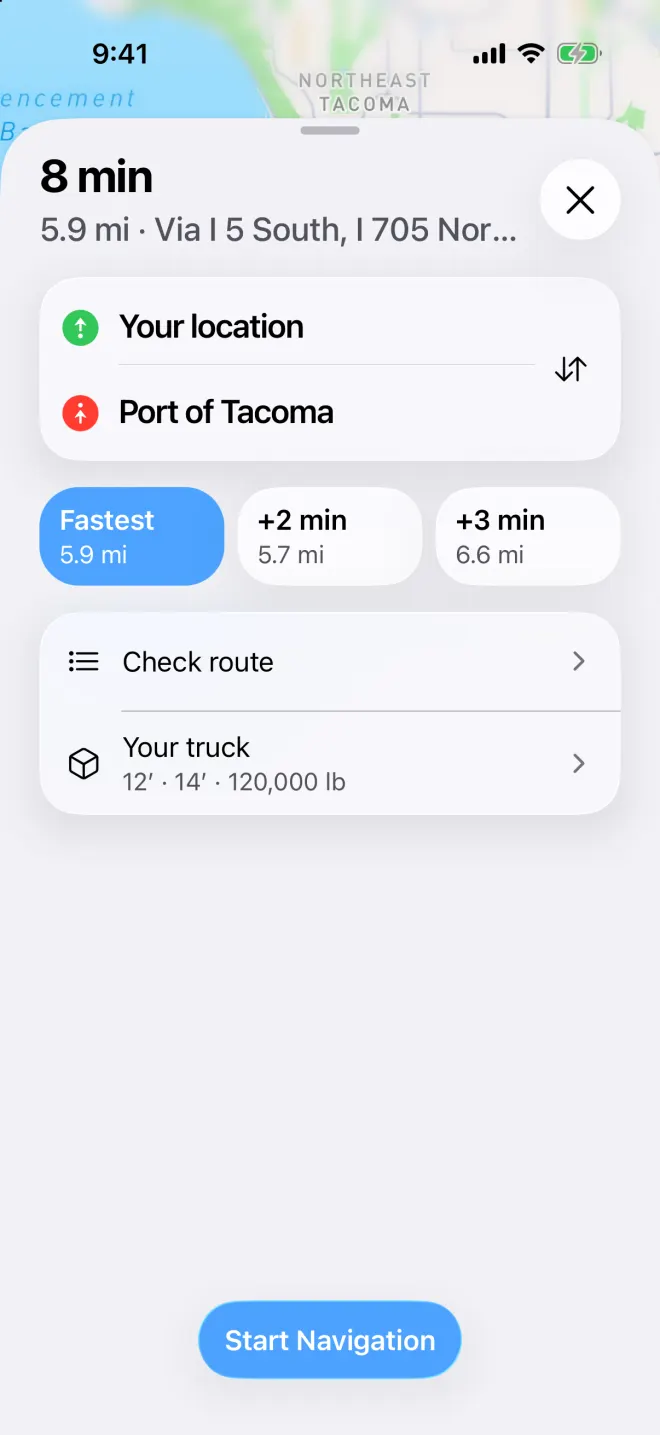
Time, miles and the main roads, with your start and end and your truck's size.
This is not your permit route
These directions don’t come from a permit. If your load needs a permit, follow the roads on your permit.
Planned for your truck
Honk picks roads that fit the size you enter. Until you set one, it uses legal size: 13′6″ high, 8′6″ wide and 80,000 lb. Missing data does not mean a road is clear, so watch the signs.