
Tap search
Tap the magnifying glass on the map. Then type a place, a town or an address.
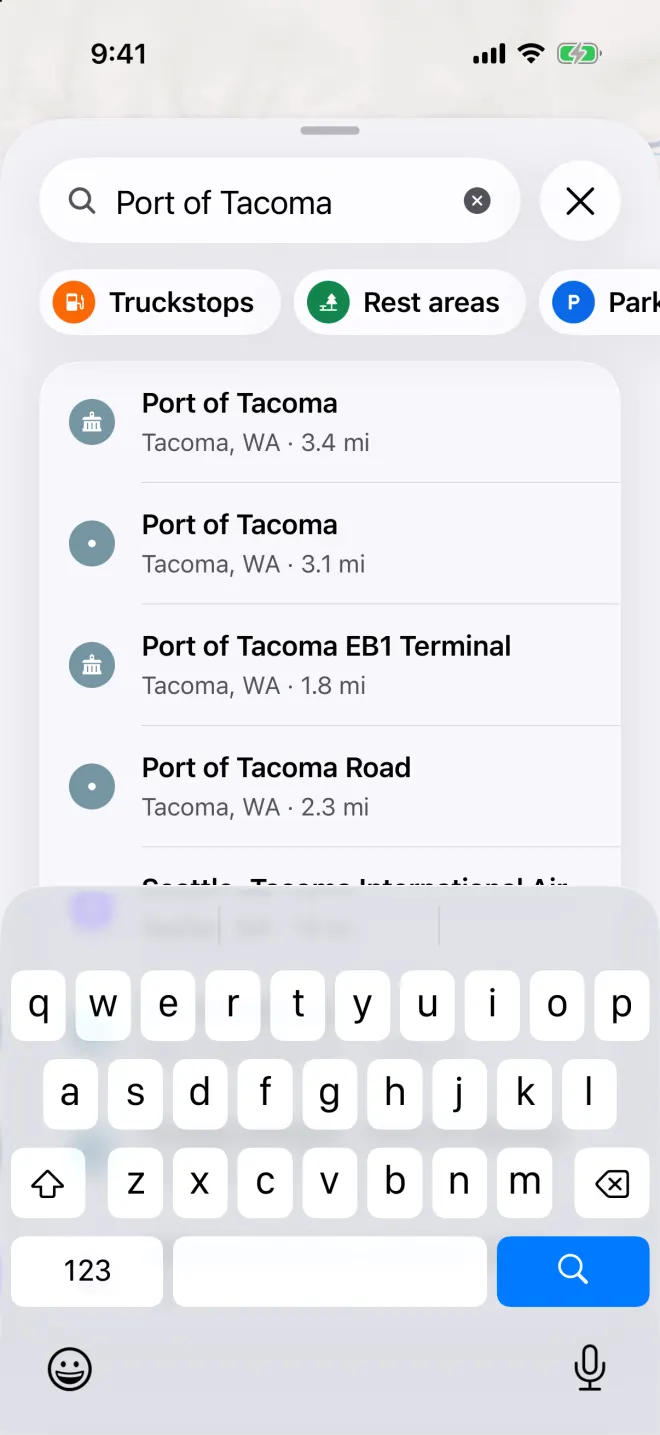
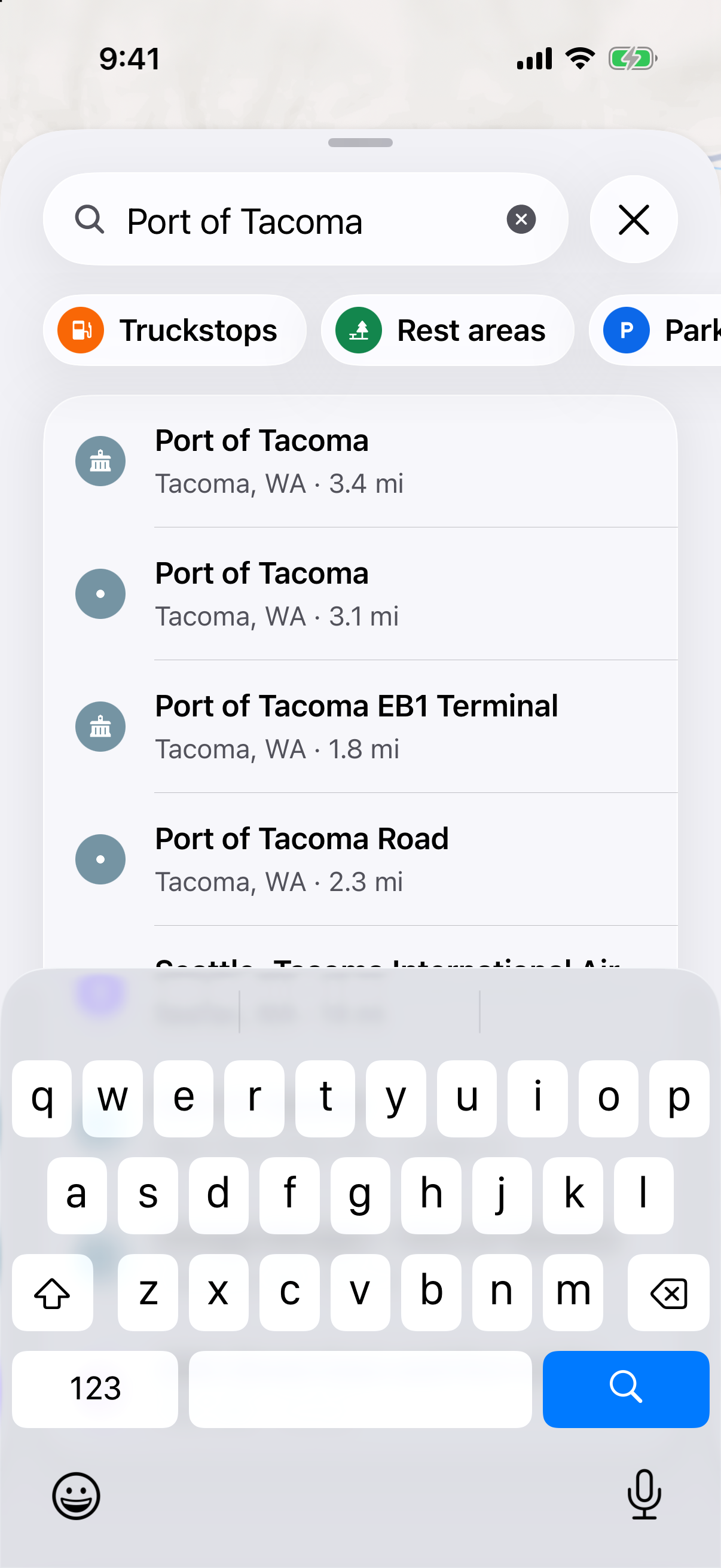
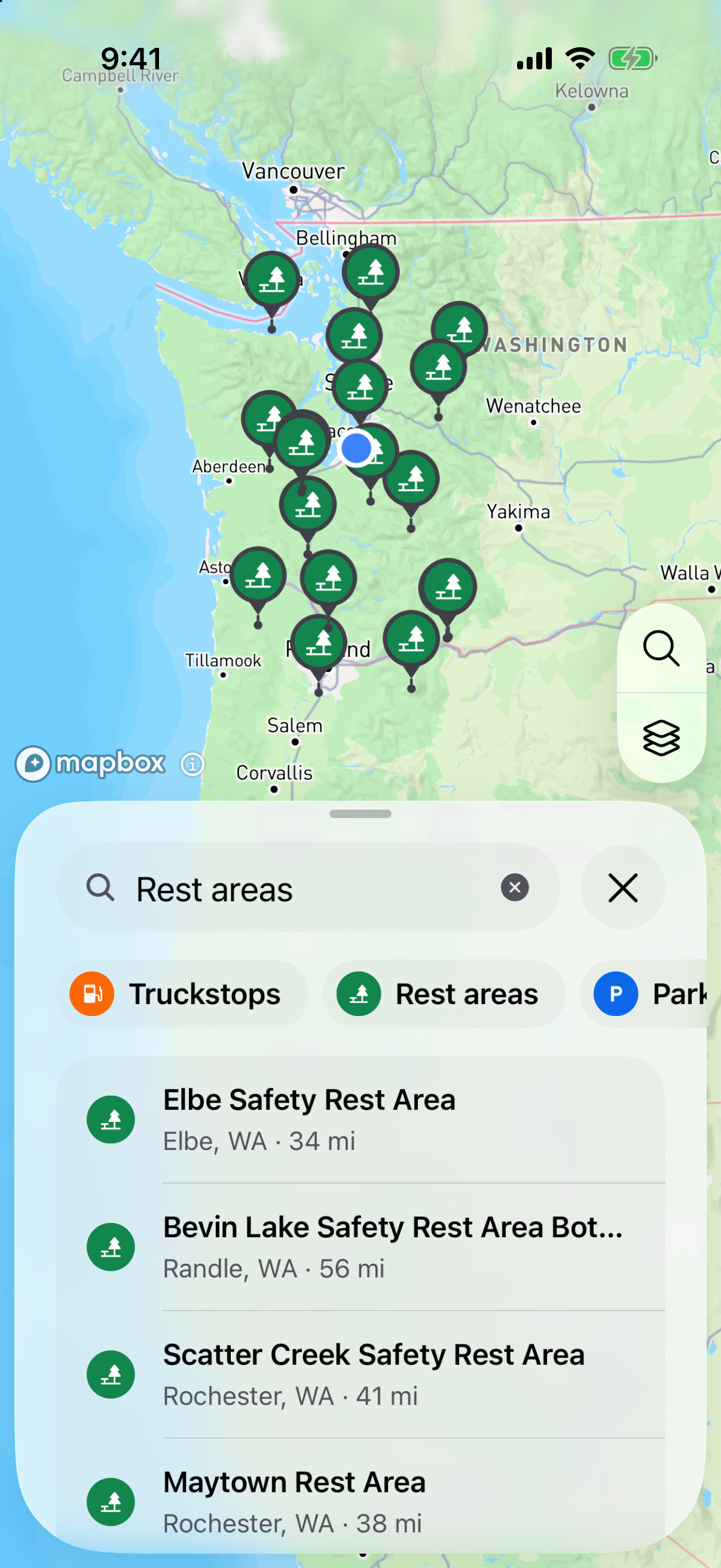
Type a place name and Honk lists matches with how far away they are. Or tap a button
Tap Truckstops, Rest areas, Parking or Truck wash. You’ll see them on the map and in a list, with the miles to each one.
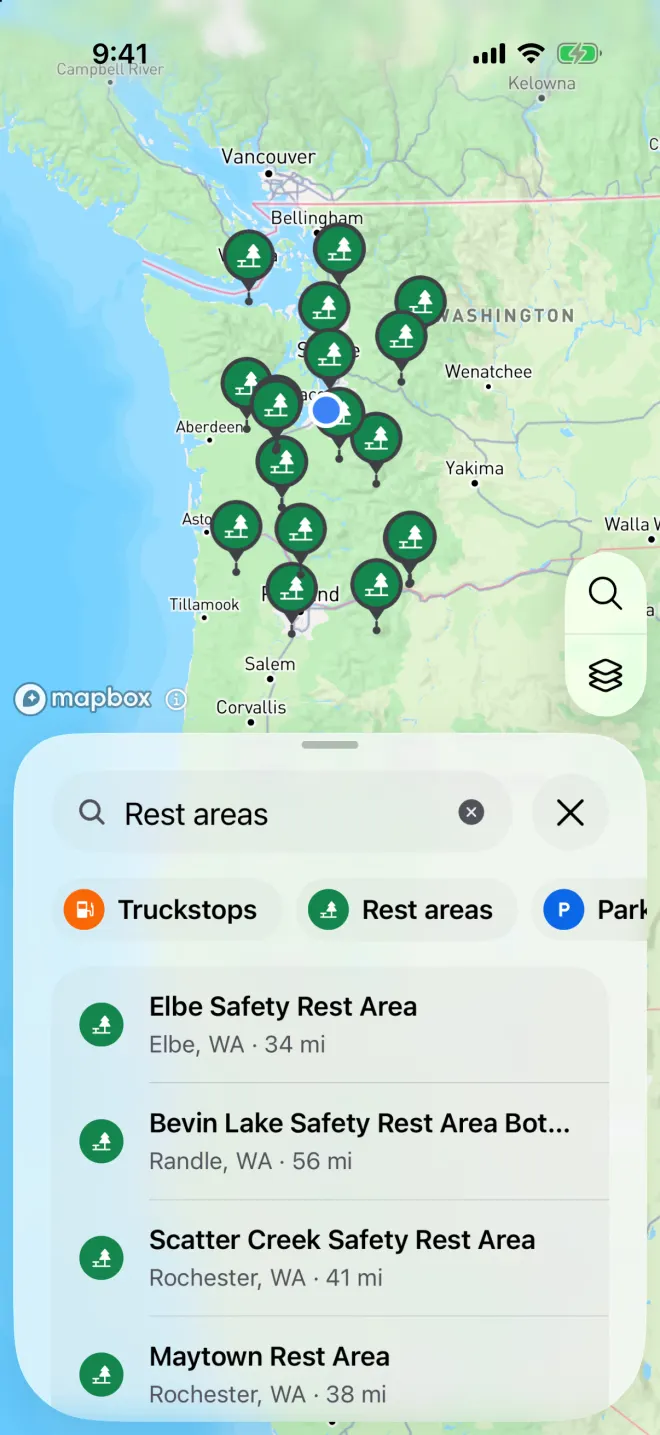
Tap Rest areas, Truckstops, Parking or Truck wash to see them on the map and in a list. Tap a place
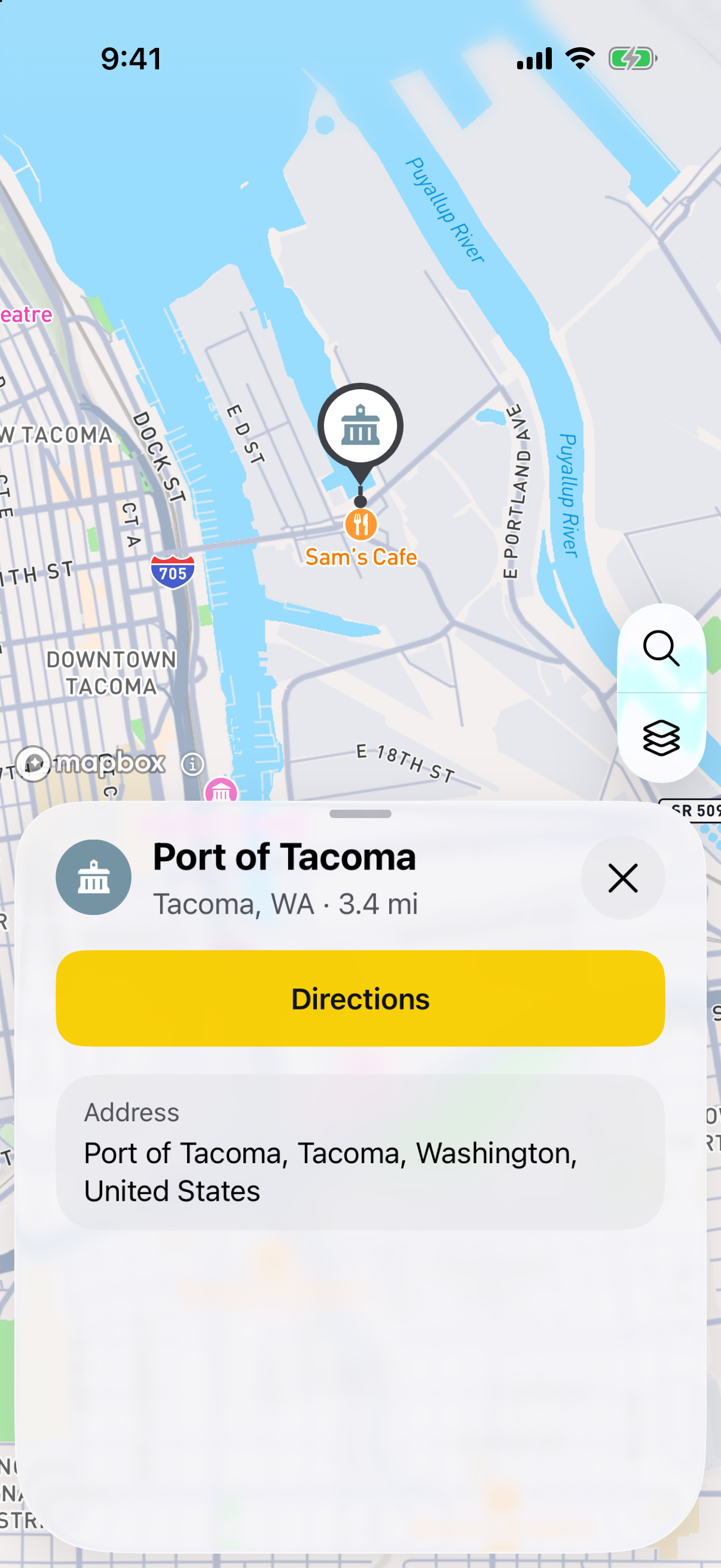
You’ll see where it is and a Directions button. When Honk has them, you’ll also see the hours, the phone number, the website and photos.
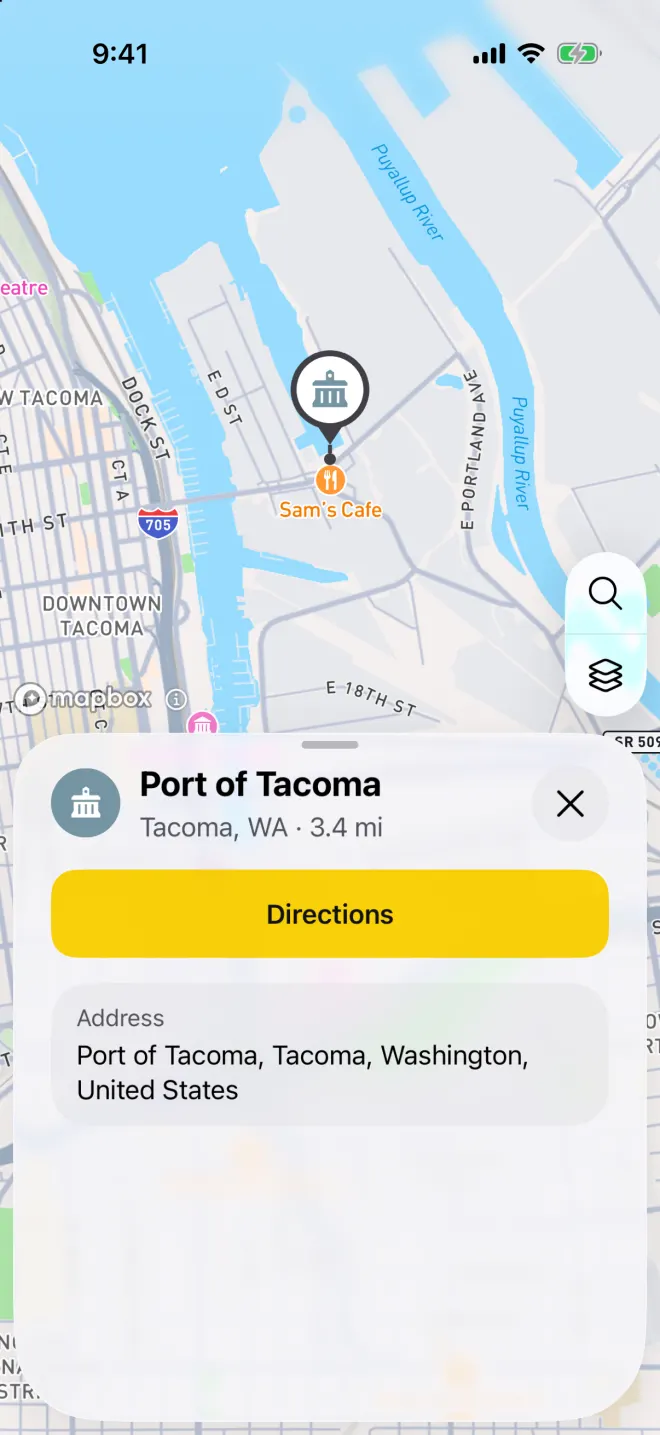
Tap a place to see its details and get directions.
Check that your load fits
A place on the list may not have room for your load. Call ahead if you can.
Search before you drive
Search isn’t on the driving screen. Look up your stops before you tap Start Navigation.