
Open your permit
In Your permits, tap your permit so its route shows on the map.
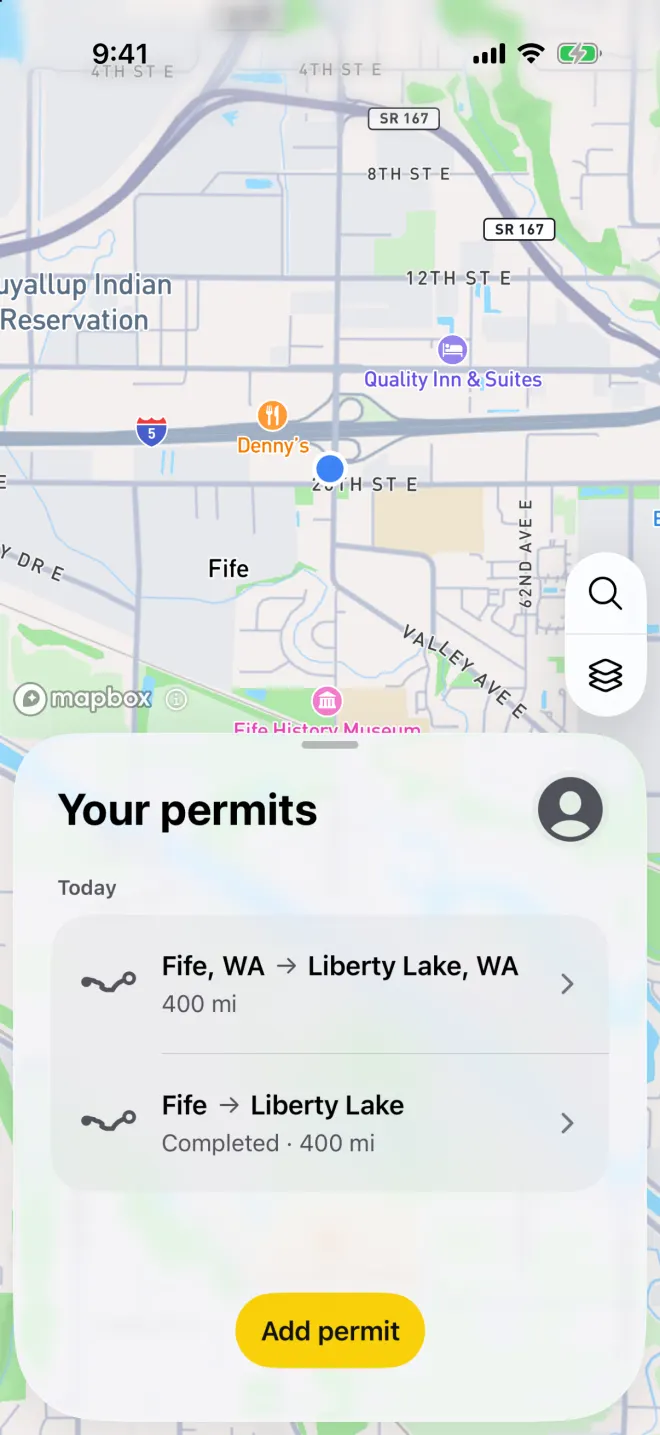
The example Washington permit, saved in Your permits. Tap search
Tap the magnifying glass on the map.
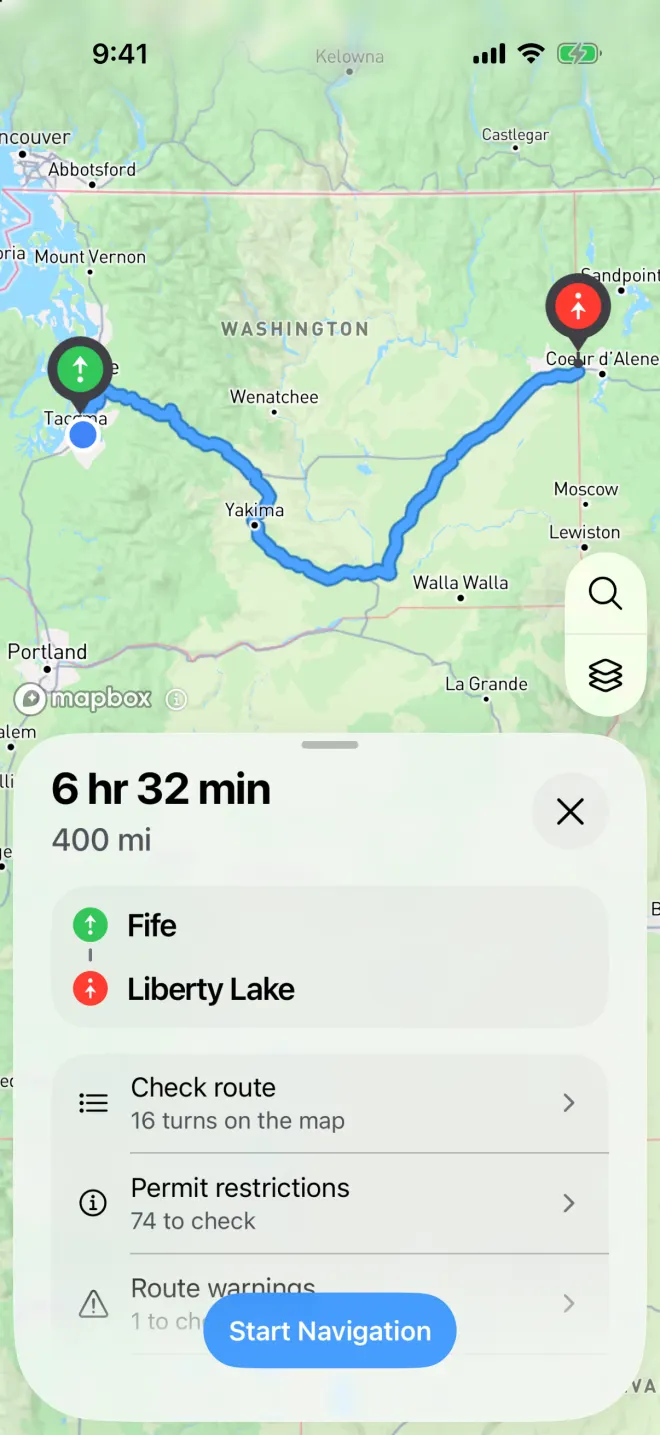
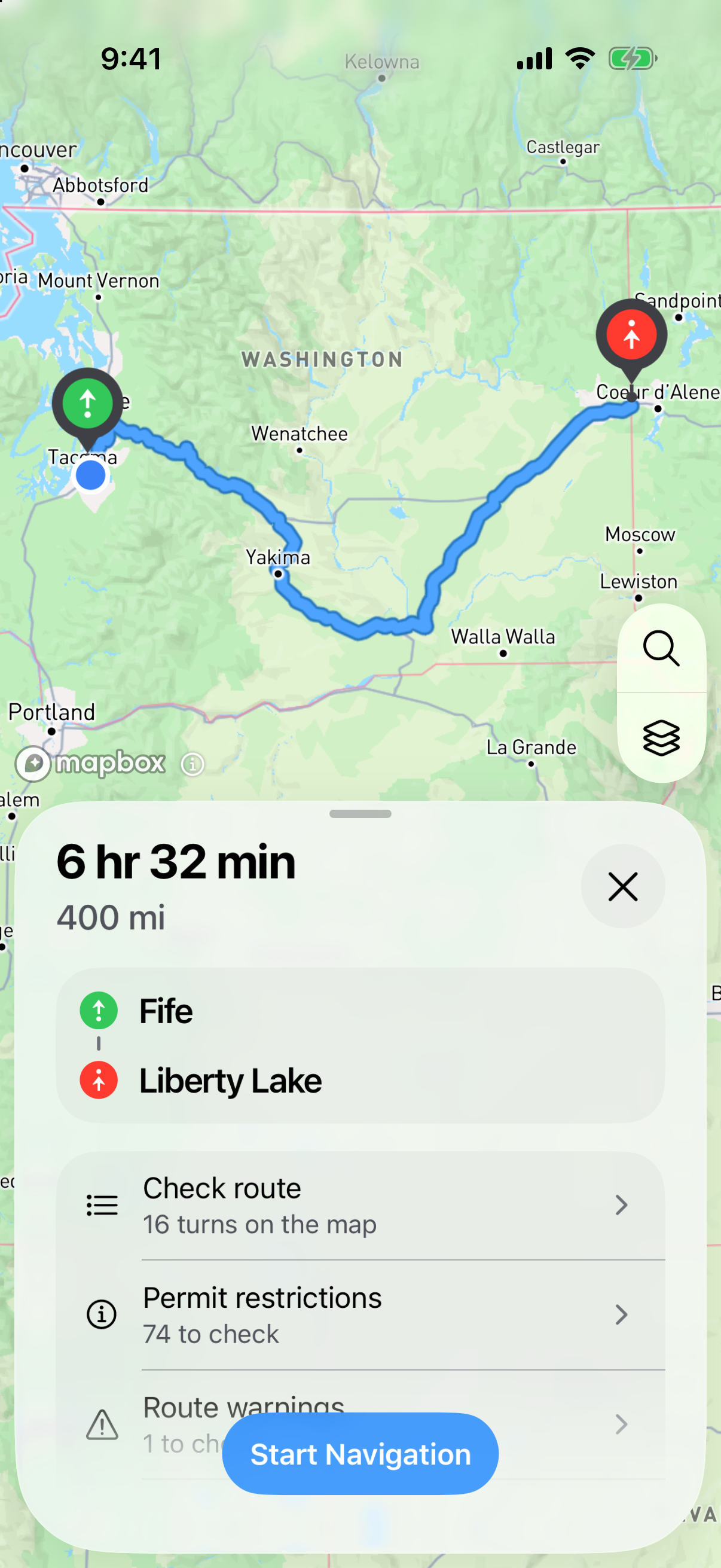
The freshly processed route from Fife to Liberty Lake, with its route-check and navigation controls. Tap what you need
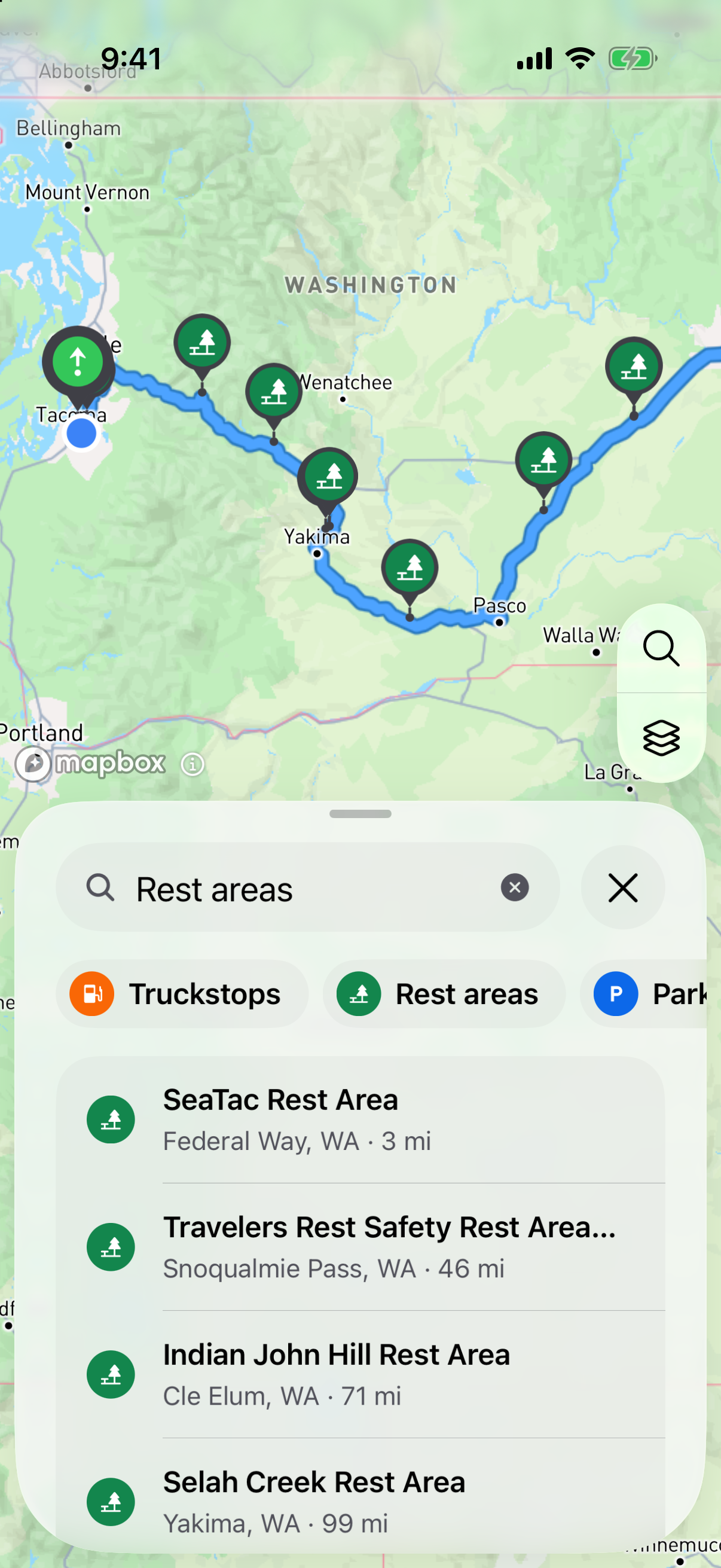
Tap Truckstops, Rest areas, Parking or Truck wash. Honk lists the places along your route, in the order you reach them, and pins them on the map.
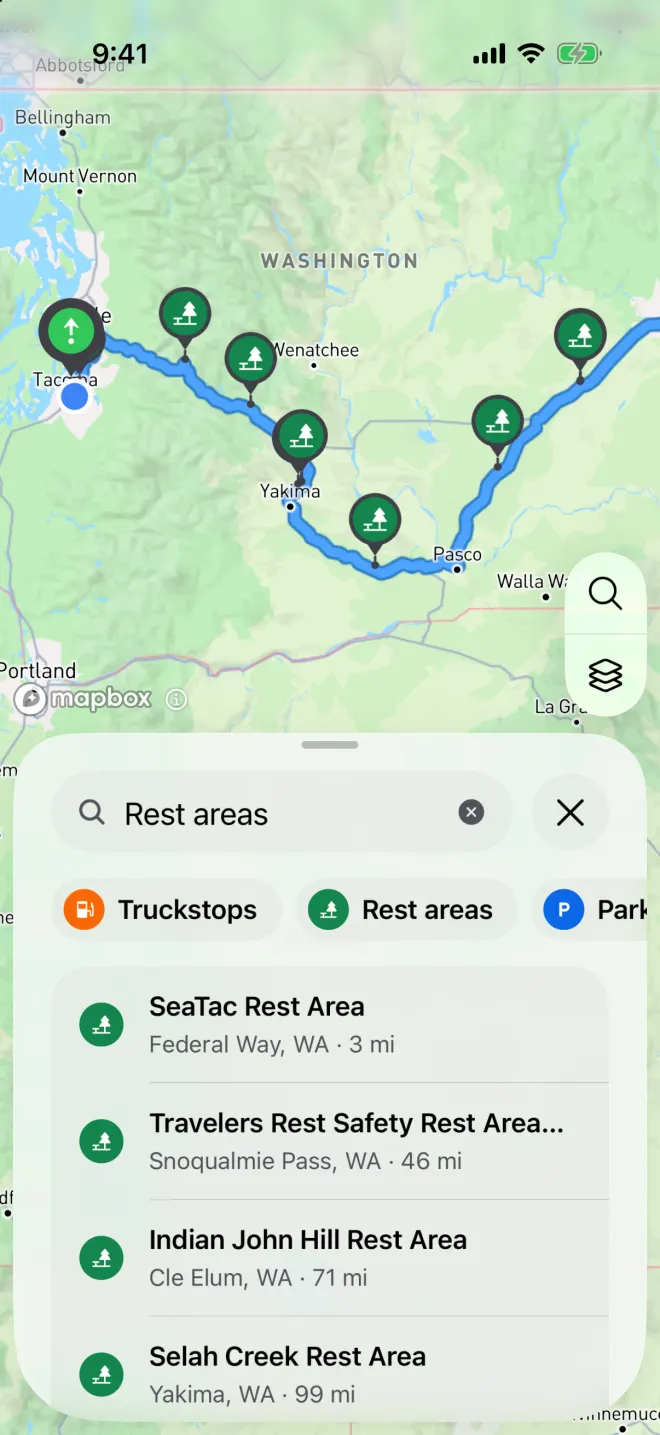
With a permit route open, Honk lists places along it in the order you reach them.
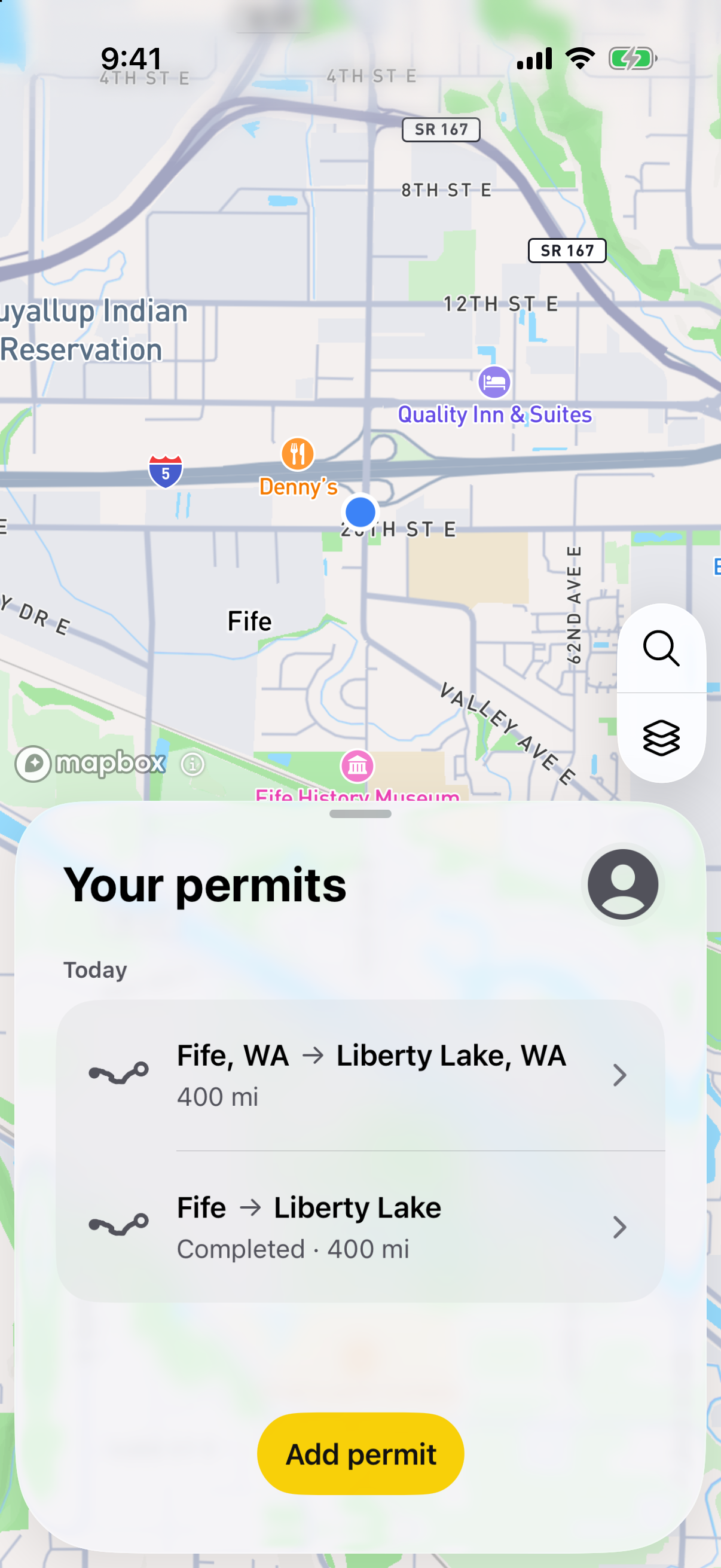
Your route stays the same
Looking up a place doesn’t change your permit route. The blue line stays on the roads your permit lists.
Check that your load fits
A place on the list may not have room for your load, or your permit may not let you leave the route to reach it. Check before you go.